Openers · Walsh
Garage Door Remote and Keypad Programming in Walsh
The new car has three buttons in the mirror for garage doors.
In plain words
Over the years a garage accumulates controls: a remote in each car, one on a hook by the door, a keypad outside, a button in a vehicle you sold. Programming is the moment to take stock. The technician lists what exists, what works and what is missing, decides with you what should stay, and rebuilds the opener's memory to match. Each retained device is tested at the door and labelled for the door it drives. You leave with a short record of what opens the garage and what was removed, without any secret code written on it.
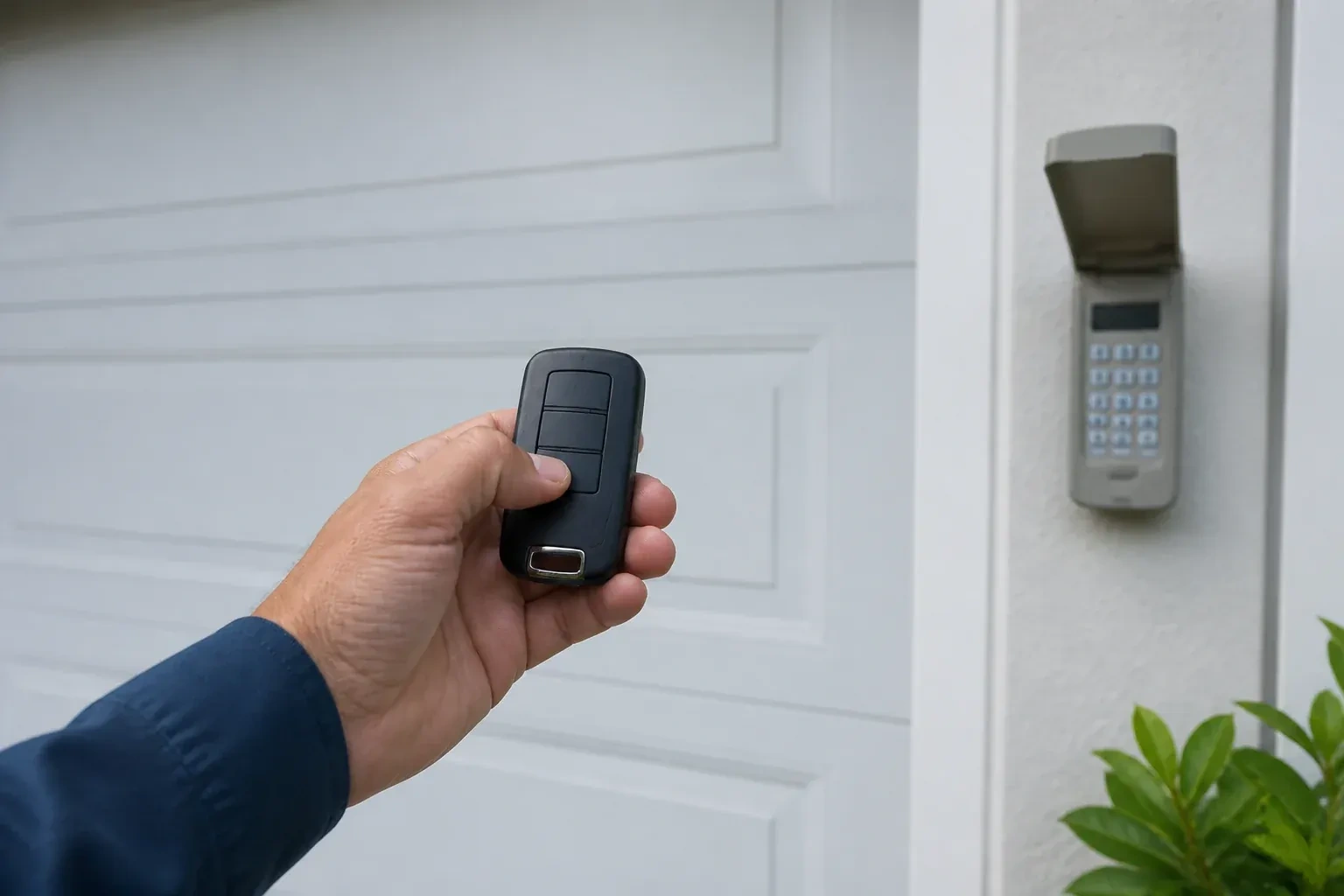
How the visit goesSomeone in the family tried to add a remote, held the button on the ceiling unit a little too long, and now every remote in the house is dead at once. The wall control still moves the door. The remotes act as if they were never programmed.
Garage Door Remote and Keypad Programming
How the visit goes
Is the opener itself ready?
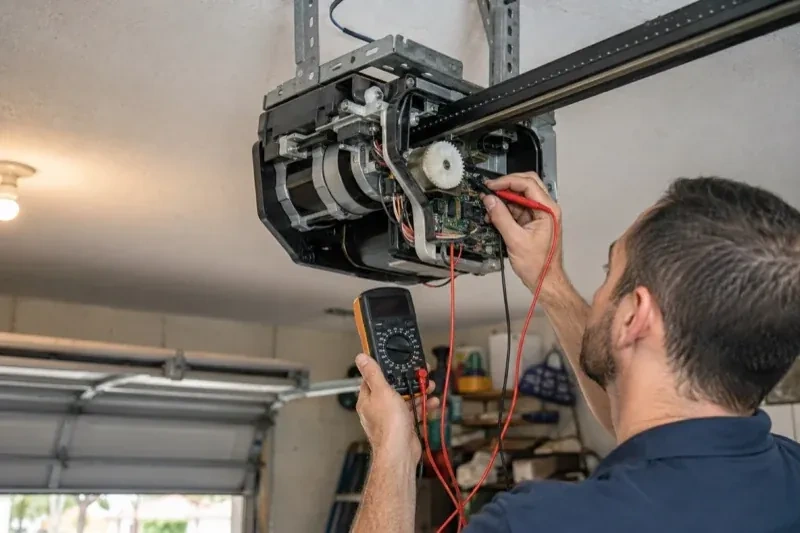
Programming only takes when the opener is in a state to accept it, so the first minutes are spent on the unit rather than the remote. The technician confirms the head unit has power and responds to the wall control, checks that the lock indicator is not blinking, and looks at the photo-eye lights near the floor to see the beam is aligned. The door is run through a cycle to be sure it travels and reverses properly. If the wall button moves the door and the remotes do not, the fault is on the wireless side and programming is likely to help; if nothing moves the door, the visit becomes a repair first.
Adding a remote to the memory
With a compatible remote in hand and the opener confirmed ready, pairing is a short exchange. The technician presses and releases the head unit's learn button, which opens a programming window of roughly half a minute, then presses the chosen remote button until the opener light blinks or the unit gives a click. That button now opens the door. A second button can be tied to a second door or a gate the same way. Each remote is tested from the driveway and from beside the door, and the process is repeated for every device on the list so nobody is left with a control that half works.
An older opener with a modern radio
If an add-on receiver was fitted, your original motor and rail carry on as before while a small box near the head unit does the listening. You have new remotes and a keypad that use rolling codes, so the door no longer answers a fixed code that any similar remote might share. The receiver's power plug and its two thin wires to the wall-button terminals are shown to you so nothing is unplugged by accident. The photo eyes that made this upgrade possible are checked and their monthly test explained, since they remain the door's main protection.
Garage Door Remote and Keypad Programming
In the van
AAA and nine-volt keypad batteries
Universal multi-generation remote
Contact cleaner and fibreglass brush
Wireless outdoor keypad
In-vehicle compatibility bridge module
Garage Door Remote and Keypad Programming
What affects the quote
Shared or managed building
In a condominium or rental building, coordinating with the property manager and working on a common door adds steps to the visit.
Distance to your door
Travel is part of the visit, and a house across town and a property well outside it involve different driving time.
Range and interference work
Swapping bulbs, freeing the antenna and re-testing range from the street is a small addition when remotes work only up close.
What to have ready
- Do you have a keypad outside, and does anyone still know its code?
- Are you adding a control, replacing a lost one, or starting fresh after a move?
- How many cars need built-in buttons trained, and what model years are they?
Garage Door Remote and Keypad Programming: questions
QuestionsWhat is the learn button and where is it?
It is a small button on the head unit, usually under the light cover on the same side as the antenna wire, sometimes on the back. Pressed briefly, it opens a window in which a remote or keypad can be added. Erasing every stored control follows that model's own sequence, which on some current openers needs more than one button. Some wall-mounted controls carry a second learn button that works the same way, and a connected app or account is managed on its own.
How is the keypad code chosen and can I change it later?
You choose it at programming time: four digits on many keypads, three to eight on others. Avoid the house number, a birth year or a repeated digit. The code is entered into the keypad, confirmed at the opener, and kept off the paperwork. Changing it later follows the instructions for your model and takes a couple of minutes, and the technician can show you the sequence before leaving.
How many remotes can one opener store?
It depends on the unit. Older head units and add-on receivers hold a handful of devices, often fewer than ten, while newer openers store dozens of remotes, keypad codes and vehicle buttons. When a memory is full, the oldest entry may be overwritten or the new device refused. Taking stock of which controls are still in use, and clearing the ones that are not, keeps space for the devices that matter.
Related services
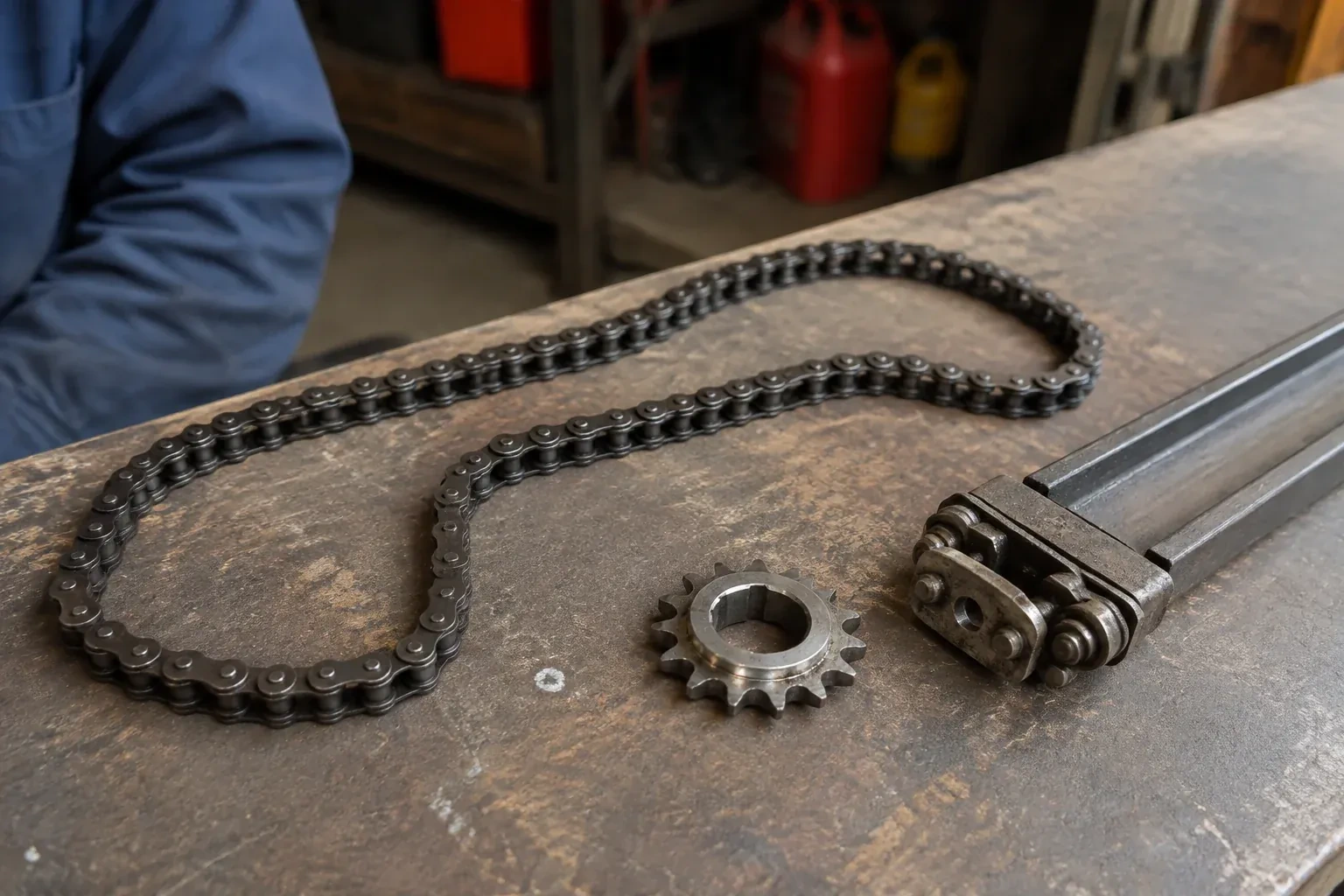
- Chain-Drive Opener RepairThe chain hangs in a loop under the rail and slaps against it on every cycle.
- Belt-Drive Opener RepairHalfway up, every single time, the door hesitates and there is a ratcheting sound from the motor head, then it carries on.
- Garage Door Opener ReplacementThe bedroom above the garage shakes every morning at six when the chain drive fires up.