Openers · St. Williams
Garage Door Remote and Keypad Programming in St. Williams
The new car has three buttons in the mirror for garage doors.
In plain words
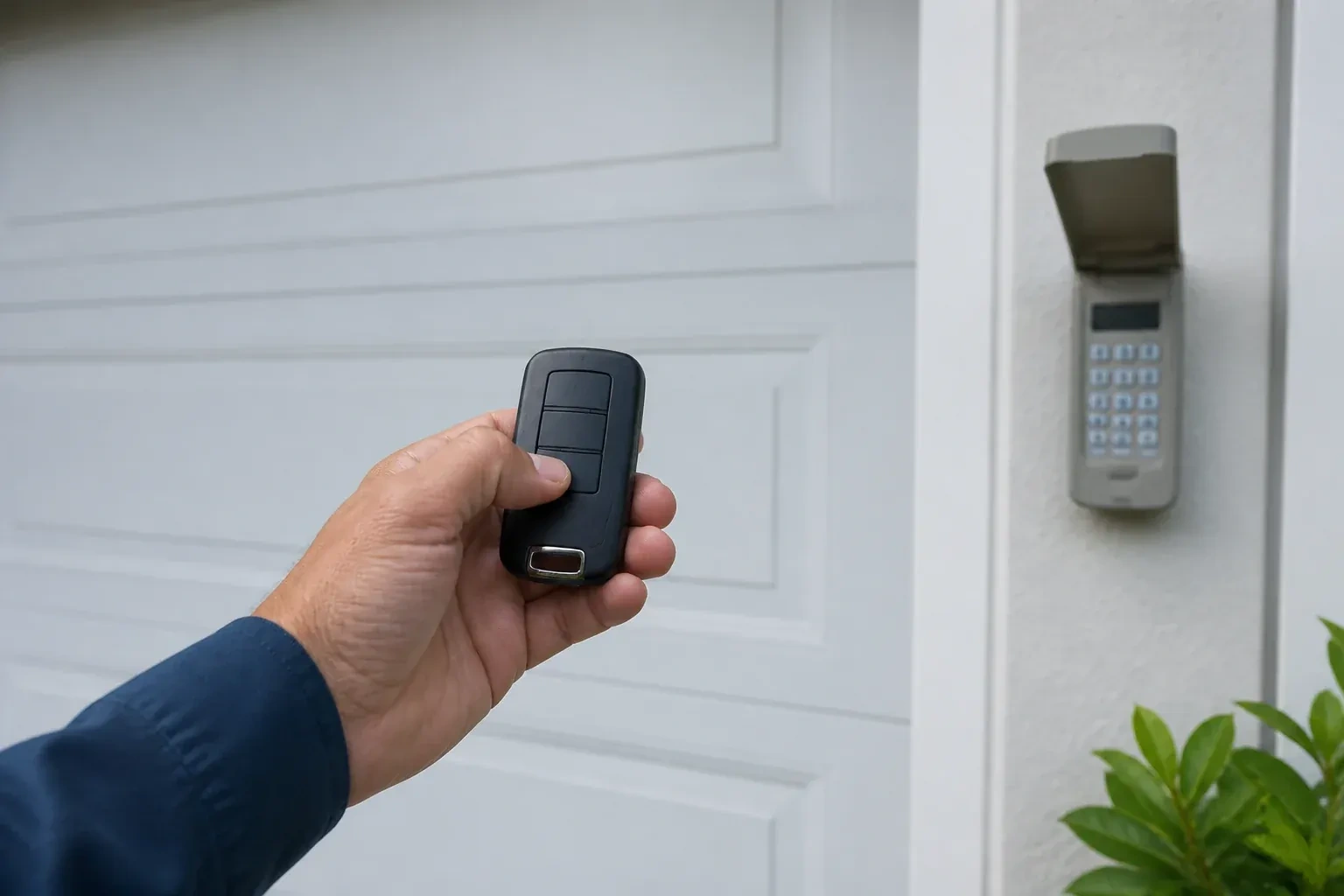
An outdoor wireless keypad lets the household in without a remote, and programming it properly is more than typing a code. The technician pairs it to the opener, sets a personal code you choose, and on many models adds temporary codes that expire after a set number of hours or openings, handy for a cleaner or a delivery. The keypad is programmed before it is screwed to the wall, fitted with fresh batteries suited to a cold climate, and mounted where a child cannot reach it and the door is in view. Codes stay private; they are not written on the paperwork.
How the visit goesAfter the move, the previous owner's remotes are somewhere in another city and the keypad on the outside wall wants a code nobody wrote down. The wall button works. Nothing else does, and you have no idea who else can open your garage.
Garage Door Remote and Keypad Programming
How the visit goes
Is the opener itself ready?
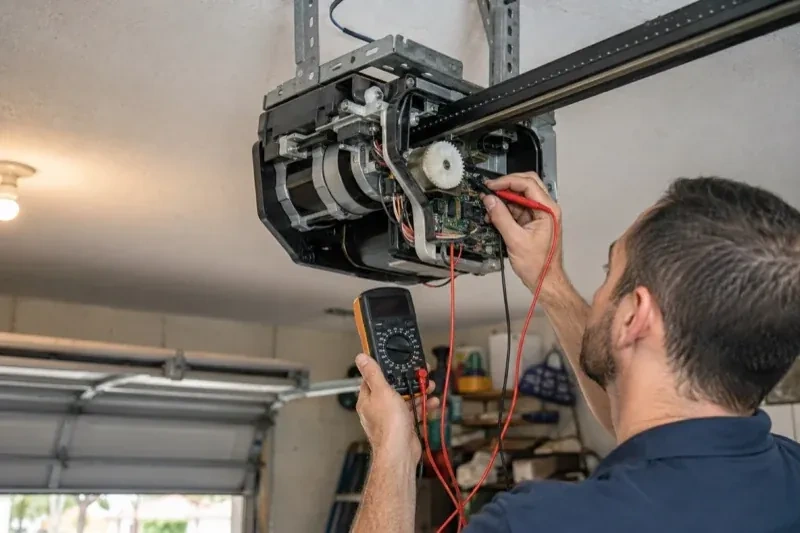
Programming only takes when the opener is in a state to accept it, so the first minutes are spent on the unit rather than the remote. The technician confirms the head unit has power and responds to the wall control, checks that the lock indicator is not blinking, and looks at the photo-eye lights near the floor to see the beam is aligned. The door is run through a cycle to be sure it travels and reverses properly. If the wall button moves the door and the remotes do not, the fault is on the wireless side and programming is likely to help; if nothing moves the door, the visit becomes a repair first.
Clearing the memory and starting fresh
When a remote is lost or stolen, or the household has just moved in, the stored controls are wiped. The technician follows that model's own erase sequence, whether a single held button or a multi-button combination, until every remote, keypad code and vehicle button the opener knew is forgotten, including any the household never saw. Unplugging the unit would not have done this; only the correct sequence does, and a connected app or account is checked separately. Then the controls the household actually holds are programmed back one at a time, the keypad is given a new code, vehicles are retrained, and the door answers to a known and complete set of controls.
Batteries, and when to change them
Each remote and keypad leaves with a fresh cell of the type the maker specifies, and you know what those types are, since a coin cell in a remote and the small cells in a keypad are different. The first sign of a fading remote is shrinking range rather than sudden silence, so a remote that needs you closer than it used to is asking for a battery. Outdoor keypads are hardest on cells in the cold months; changing them each autumn saves a frozen-morning surprise. Rechargeable cells are not recommended for many keypads, and the record notes that.
Garage Door Remote and Keypad Programming
In the van
AAA and nine-volt keypad batteries
Universal multi-generation remote
Contact cleaner and fibreglass brush
Wireless outdoor keypad
In-vehicle compatibility bridge module
Garage Door Remote and Keypad Programming
What affects the quote
Range and interference work
Swapping bulbs, freeing the antenna and re-testing range from the street is a small addition when remotes work only up close.
Connected features
Linking or unlinking a phone app, or checking that a previous owner's account is removed, is quoted as its own step alongside the remotes and keypad.
Multiple doors or a gate
A second opener or a driveway gate doubles the pairing and testing, and may call for multi-button remotes or a multi-door keypad.
What to have ready
- Do you have a keypad outside, and does anyone still know its code?
- Does the wall button move the door normally right now?
- Does the opener connect to a phone app, and whose account is it under?
Garage Door Remote and Keypad Programming: questions
QuestionsWhat is the learn button and where is it?
It is a small button on the head unit, usually under the light cover on the same side as the antenna wire, sometimes on the back. Pressed briefly, it opens a window in which a remote or keypad can be added. Erasing every stored control follows that model's own sequence, which on some current openers needs more than one button. Some wall-mounted controls carry a second learn button that works the same way, and a connected app or account is managed on its own.
How is the keypad code chosen and can I change it later?
You choose it at programming time: four digits on many keypads, three to eight on others. Avoid the house number, a birth year or a repeated digit. The code is entered into the keypad, confirmed at the opener, and kept off the paperwork. Changing it later follows the instructions for your model and takes a couple of minutes, and the technician can show you the sequence before leaving.
How many remotes can one opener store?
It depends on the unit. Older head units and add-on receivers hold a handful of devices, often fewer than ten, while newer openers store dozens of remotes, keypad codes and vehicle buttons. When a memory is full, the oldest entry may be overwritten or the new device refused. Taking stock of which controls are still in use, and clearing the ones that are not, keeps space for the devices that matter.
Related services
- Chain-Drive Opener RepairThe chain hangs in a loop under the rail and slaps against it on every cycle.
- Belt-Drive Opener RepairHalfway up, every single time, the door hesitates and there is a ratcheting sound from the motor head, then it carries on.
- Garage Door Opener ReplacementThe bedroom above the garage shakes every morning at six when the chain drive fires up.