Openers · Gilbertville
Garage Door Remote and Keypad Programming in Gilbertville
The new car has three buttons in the mirror for garage doors.
In plain words
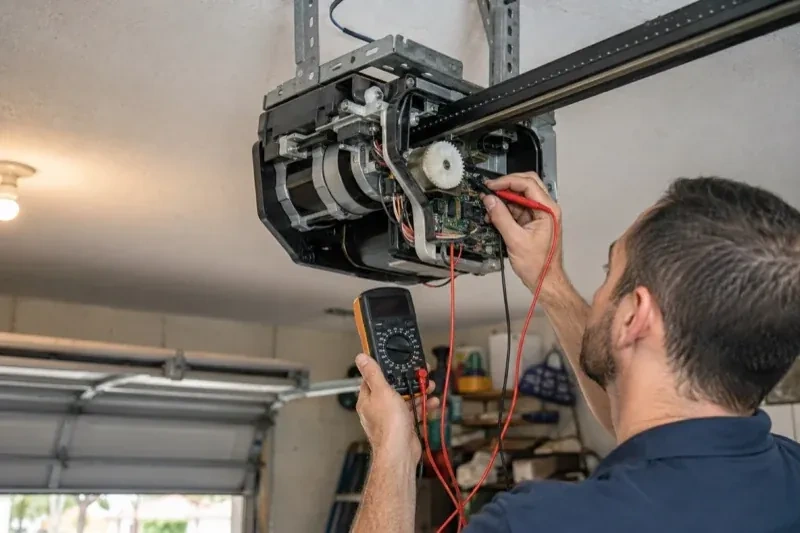
Not every dead remote needs programming, so the visit starts by ruling out the simple things. The wall control may be in lock mode, which tells the opener to ignore all remotes and shows as a blinking indicator. The coin cell may be flat, or its contacts corroded. LED bulbs in the opener's own sockets can drown the radio signal so the remote works only at arm's length. The antenna wire may be tucked away. A known-good remote is tested against the receiver, and only when the receiver answers it does programming of your controls begin.
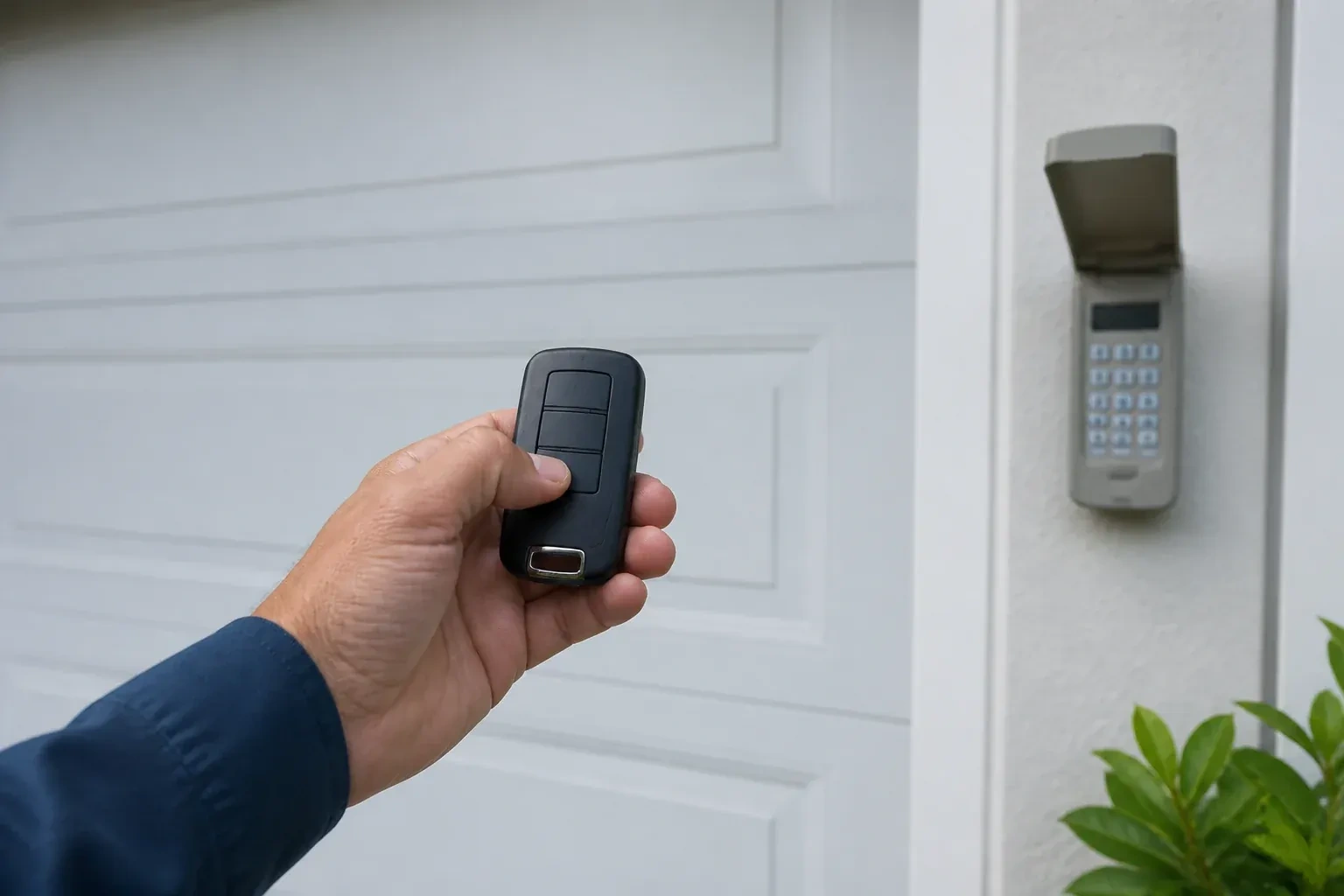
How the visit goesThe new car has three buttons in the mirror for garage doors. You held the old remote up to it as the manual said, the light in the car changed, and yet the door ignores it completely. The handheld remote works fine.
Garage Door Remote and Keypad Programming
How the visit goes
Batteries and contacts before anything else
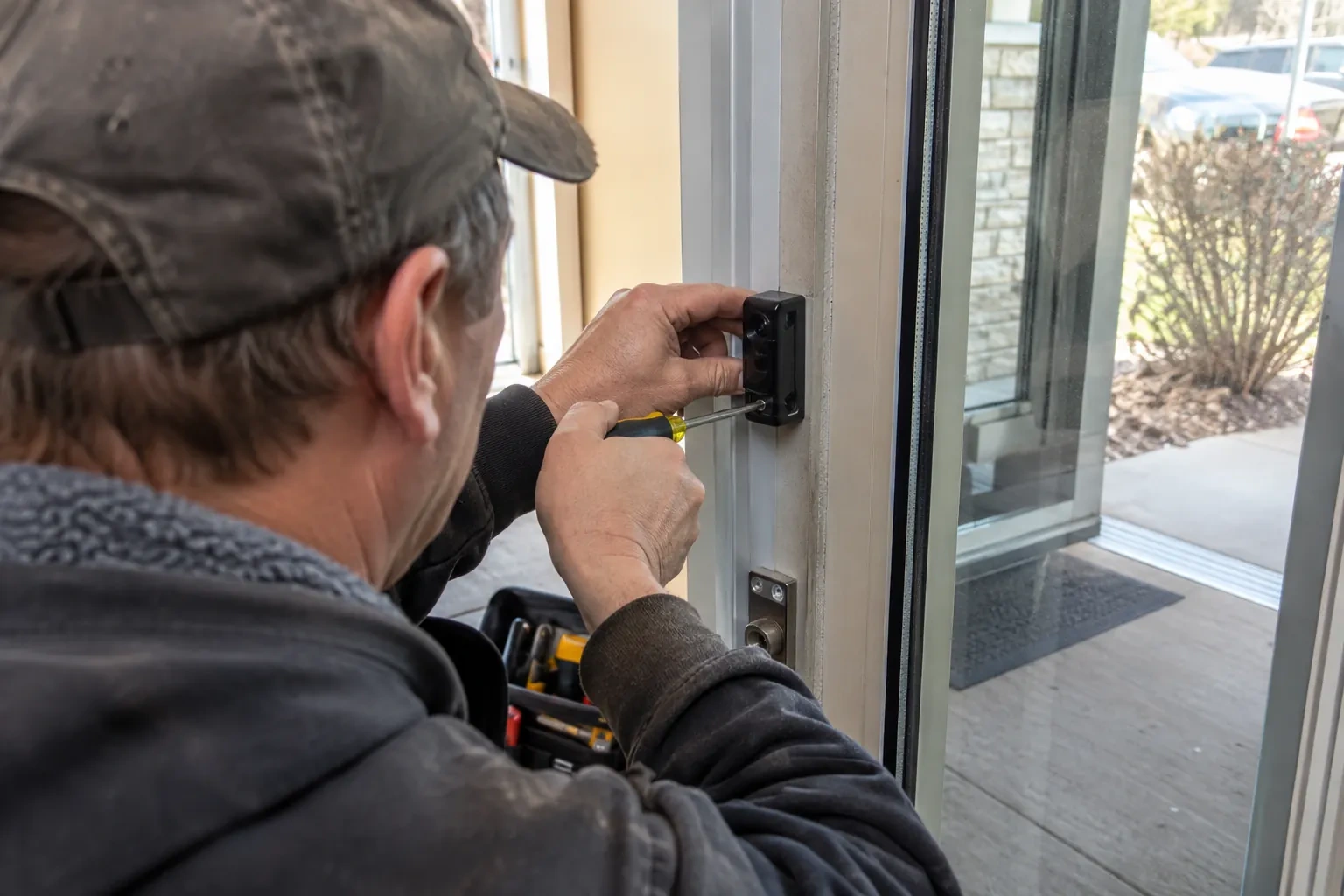
A surprising share of dead remotes are simply hungry. The technician opens each remote and keypad, reads the cell type printed inside, and checks voltage and contacts. Coin cells lose strength gradually, so a remote that works only up close is often on its last legs rather than out of range. Outdoor keypads run on small cells that sag in the cold and on contacts that salt spray and condensation corrode over a few winters. Fresh cells of the specified type and a cleaned contact are fitted before any programming attempt, because a weak transmitter can fail to pair even when everything else is right.
Restoring range and ending interference
Programming is not needed when the remote works but only up close; the radio path is. The technician replaces LED bulbs in the head unit with a type known not to interfere, or moves the light source, and confirms the antenna wire hangs straight and free below the unit. Remote batteries are renewed, since a fading cell shrinks range before it fails outright. A range test is repeated from the same spots as before so the improvement is measured rather than assumed. If range stays poor with a fresh remote and a clean environment, the receiver itself is the suspect and is replaced with one made for that opener.
Batteries, and when to change them
Each remote and keypad leaves with a fresh cell of the type the maker specifies, and you know what those types are, since a coin cell in a remote and the small cells in a keypad are different. The first sign of a fading remote is shrinking range rather than sudden silence, so a remote that needs you closer than it used to is asking for a battery. Outdoor keypads are hardest on cells in the cold months; changing them each autumn saves a frozen-morning surprise. Rechargeable cells are not recommended for many keypads, and the record notes that.
Garage Door Remote and Keypad Programming
In the van
AAA and nine-volt keypad batteries
Universal multi-generation remote
Contact cleaner and fibreglass brush
Wireless outdoor keypad
In-vehicle compatibility bridge module
Garage Door Remote and Keypad Programming
What affects the quote
Shared or managed building
In a condominium or rental building, coordinating with the property manager and working on a common door adds steps to the visit.
Opener check-up before programming
Confirming power, lock mode, sensors and door travel is included; any repair those checks reveal is discussed and quoted before it is done.
Connected features
Linking or unlinking a phone app, or checking that a previous owner's account is removed, is quoted as its own step alongside the remotes and keypad.
What to have ready
- Is the light on the wall control blinking steadily?
- How many cars need built-in buttons trained, and what model years are they?
- Which controls fail: one remote, all remotes, the keypad, or the car buttons?
Garage Door Remote and Keypad Programming: questions
QuestionsWhat is the learn button and where is it?
It is a small button on the head unit, usually under the light cover on the same side as the antenna wire, sometimes on the back. Pressed briefly, it opens a window in which a remote or keypad can be added. Erasing every stored control follows that model's own sequence, which on some current openers needs more than one button. Some wall-mounted controls carry a second learn button that works the same way, and a connected app or account is managed on its own.
How is the keypad code chosen and can I change it later?
You choose it at programming time: four digits on many keypads, three to eight on others. Avoid the house number, a birth year or a repeated digit. The code is entered into the keypad, confirmed at the opener, and kept off the paperwork. Changing it later follows the instructions for your model and takes a couple of minutes, and the technician can show you the sequence before leaving.
How many remotes can one opener store?
It depends on the unit. Older head units and add-on receivers hold a handful of devices, often fewer than ten, while newer openers store dozens of remotes, keypad codes and vehicle buttons. When a memory is full, the oldest entry may be overwritten or the new device refused. Taking stock of which controls are still in use, and clearing the ones that are not, keeps space for the devices that matter.
Related services
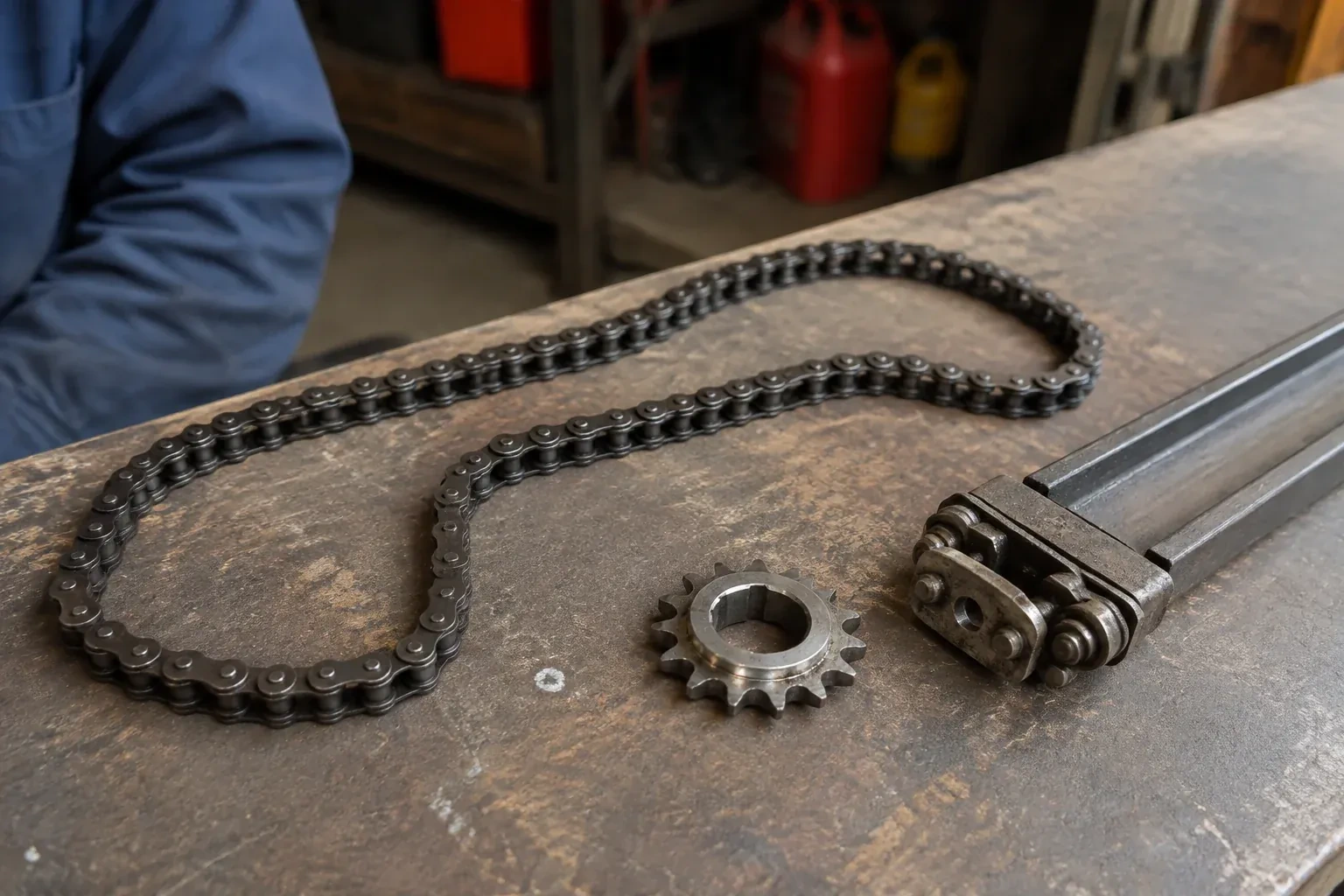
- Chain-Drive Opener RepairThe chain hangs in a loop under the rail and slaps against it on every cycle.
- Belt-Drive Opener RepairHalfway up, every single time, the door hesitates and there is a ratcheting sound from the motor head, then it carries on.
- Garage Door Opener ReplacementThe bedroom above the garage shakes every morning at six when the chain drive fires up.